MLOps Desktop
Machine learning. Entirely on your Mac.
Go from a raw CSV to a trained, explained, and served model — no cloud, no setup, and your data never leaves your machine.
Requires macOS 12+, Python 3.9+
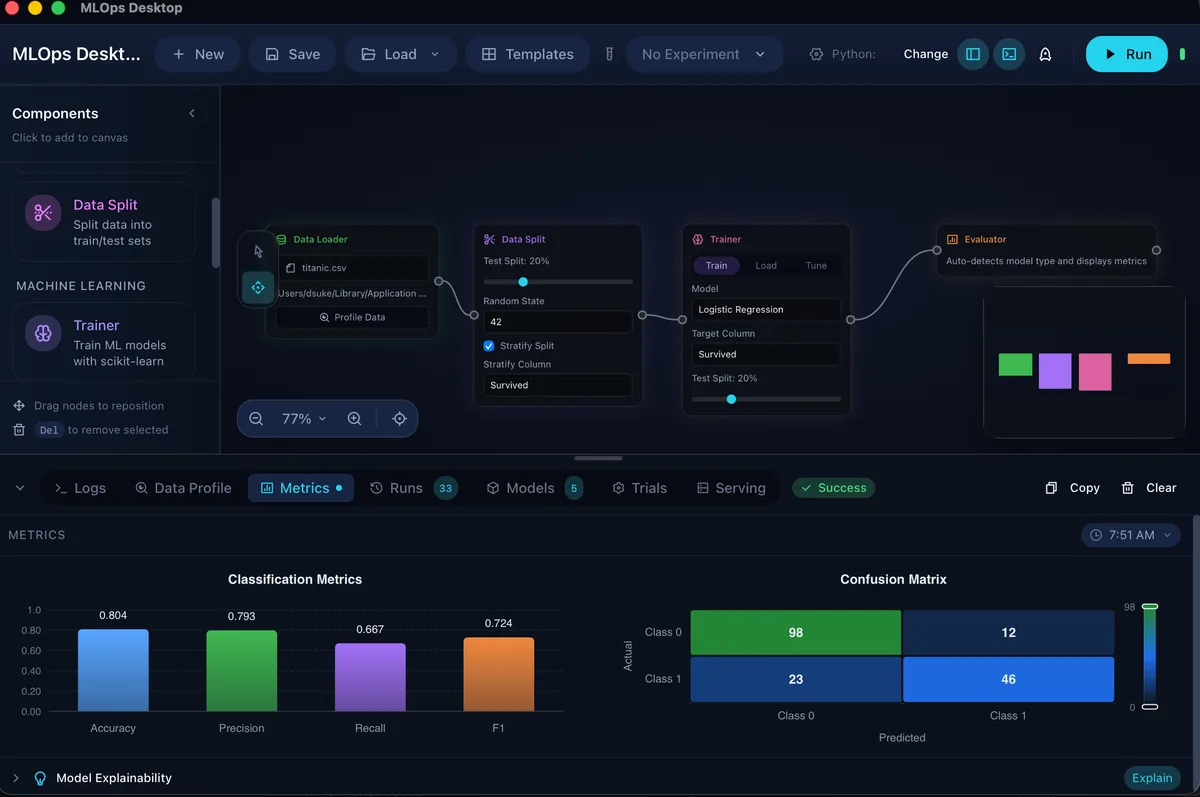
Capabilities
From CSV to Served Model
Everything from loading data to serving predictions, on your laptop.
Build the Pipeline Visually
Connect data loading, splits, feature work, training, evaluation, and export on one canvas.
Tune Without Leaving the App
Run Optuna searches and compare the winning parameters against previous trials.
Keep Every Run Traceable
Tag experiments, track metrics, and return to the model that actually performed best.
Serve Models Locally
Start a local HTTP endpoint and test predictions in the built-in playground.
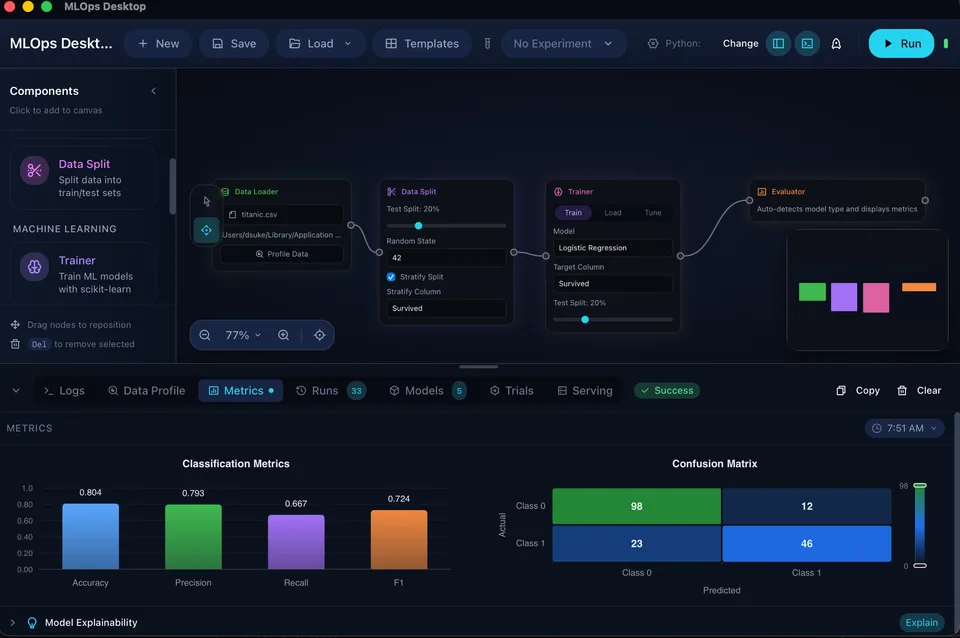
A closer look
Explain Model Behavior
Inspect SHAP plots, feature importance, and evaluation metrics before you trust a model.
See how explainability worksWorkflow
How It Works
Three steps from data to deployment.
01
Load Data
Import CSVs and inspect schema
02
Configure Model
Choose splits, features, algorithms, and tuning ranges
03
Train & Deploy
Compare metrics, explain behavior, and serve locally
Built to keep your work yours.
FAQ
Everything you might be wondering
Is MLOps Desktop really free?
Yes — it's free and open source under the MIT license. There are no paid tiers, no trial clock, and no account to create.
Where does my data go?
Nowhere. Training, evaluation, and serving all run locally on your Mac. Your datasets and models never leave your machine, and there's no telemetry.
Do I need to know how to code?
No. You build pipelines visually by connecting nodes on a canvas. And when you want to go deeper, the underlying Python and scikit-learn are right there.
What can I actually build?
Classification and regression models: load a CSV, split and engineer features, train, tune with Optuna, explain with SHAP, compare runs, and serve predictions from a local API.
What do I need to run it?
A Mac on macOS 12 or later — Apple Silicon or Intel — and Python 3.9+. Download, open, and you're building within minutes.
Get started
Download MLOps Desktop
Start building ML pipelines in minutes.
Download for MacApple Silicon · Intel — Requires macOS 12+ and Python 3.9+